DiaQuest
Gamified Type 1 Diabetes Education
UX Design, VR Design, Health Care
Dec 2025
This project is under an NDA and currently under production.
The case study focusing on design methodology and process.
All Design owned by Health Odyssey Studios. LLC
Coming to Market
Project Overview
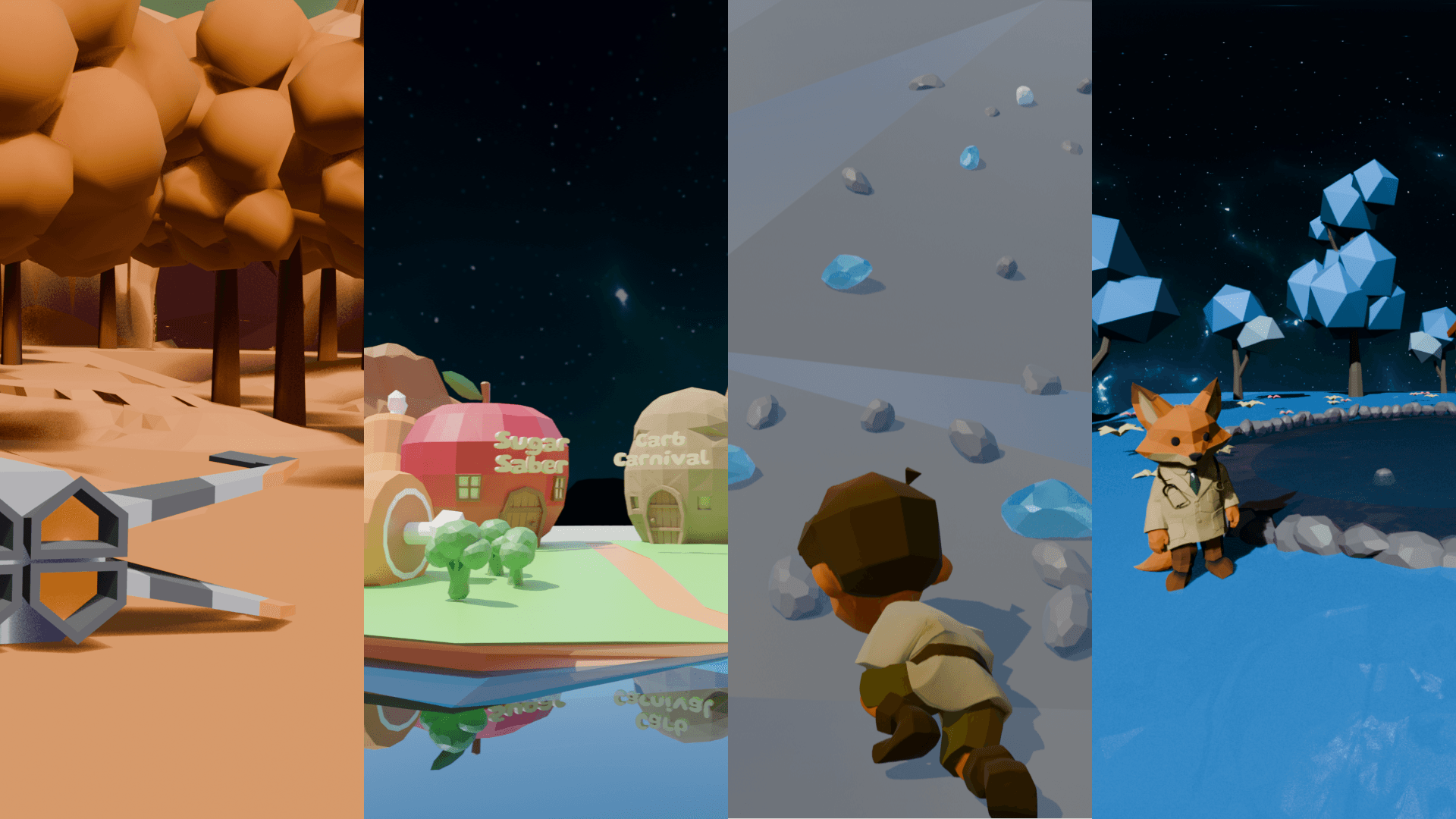
DiaQuest is an immersive, imaginative world set inside the body of a child with Type 1 Diabetes.
Through exploration and interactive play, newly diagnosed children learn the fundamentals of diabetes and practice real-world blood sugar management, from basic concepts to everyday best practices.
Problem
In Detroit, up to 70% of newly diagnosed Type 1 Diabetes (T1D) children are readmitted in 3 month, largely due to low engagement in daily diabetes management after discharge.
According to insights from endocrinologists at WSU, many families struggle to maintain consistent blood sugar monitoring, insulin management, and care routines at home.
This lack of sustained engagement not only increases medical risk but also places emotional strain on family relationships.
Role
UX Designer/ Prototyper
Creative Technologist
Company
Health Odyssey Studios. LLC
Team
4 UX Designer
1 Developer
Design Tools
Figma
Blender
Unity 3D
Generative AI (Image, 3D models, Vibe Coding)
My Responsibility
Conducted user research and design validation, and designed and prototyped a production-ready VR experience in Unity 3D, contributing directly to the company’s MVP.
Research Insights
To understand every aspect of best practices with Type 1 diabetes, we interviewed two doctors, one caregiver, and two patients.
We discovered 3 main pain points for the new diagnosed T1D families.
Patients and caregivers are overwhelmed by the medical terminology and numerical data
Patients want to lead normal lives
Caregivers experience guilt and anxiety
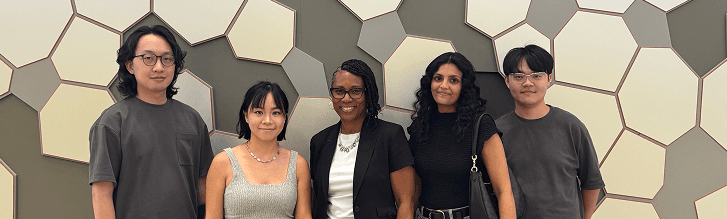
Design team & DR.Buggs (endocrinologists at WSU)
Primarily User- Patient/ Children
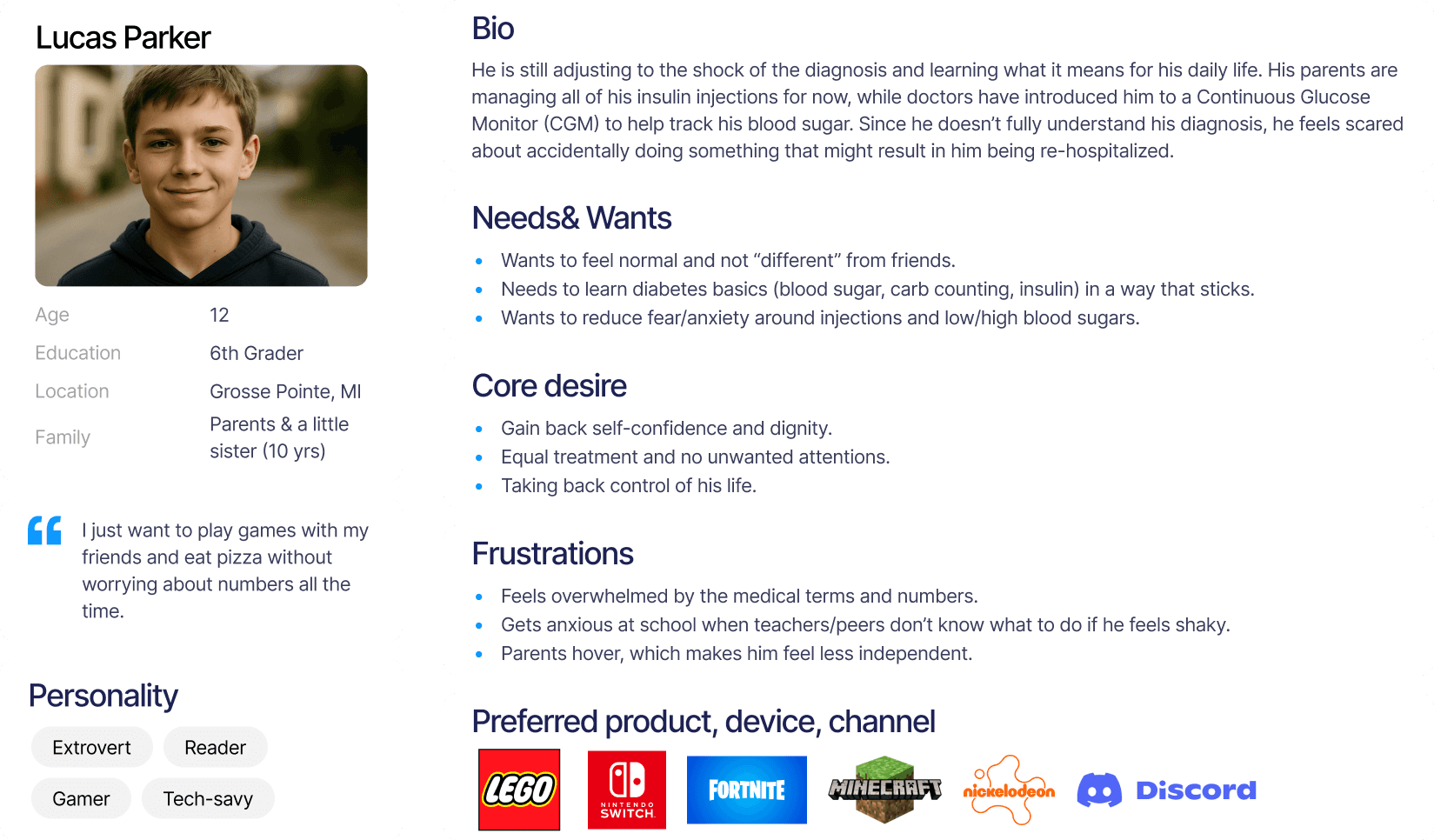
Secondary User- Caregiver/ Parent
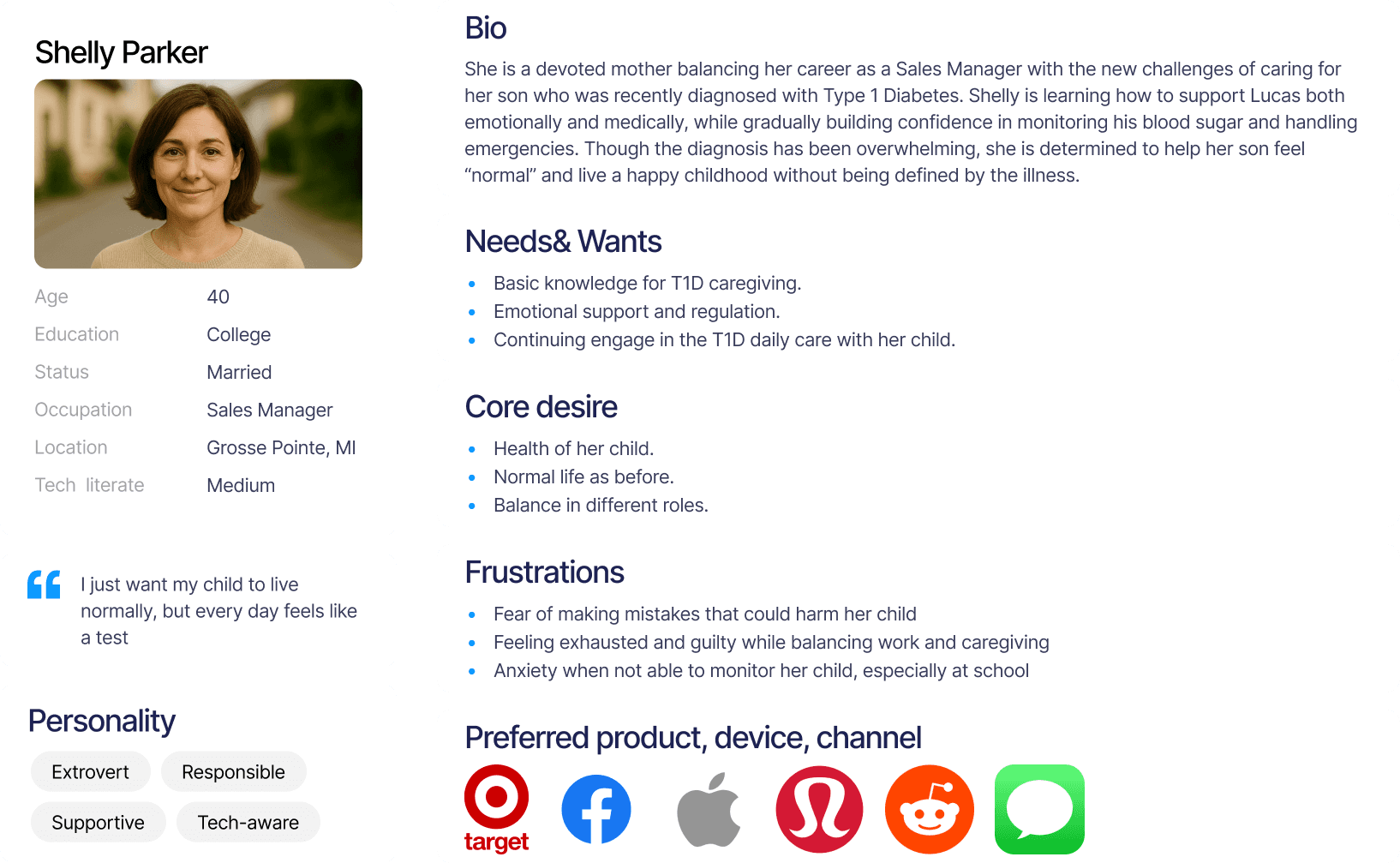
User Journey- When will this product been used?
There is an opportunity to introduce the product immediately after diagnosis, supporting children and parents as they move through the acceptance stage together.
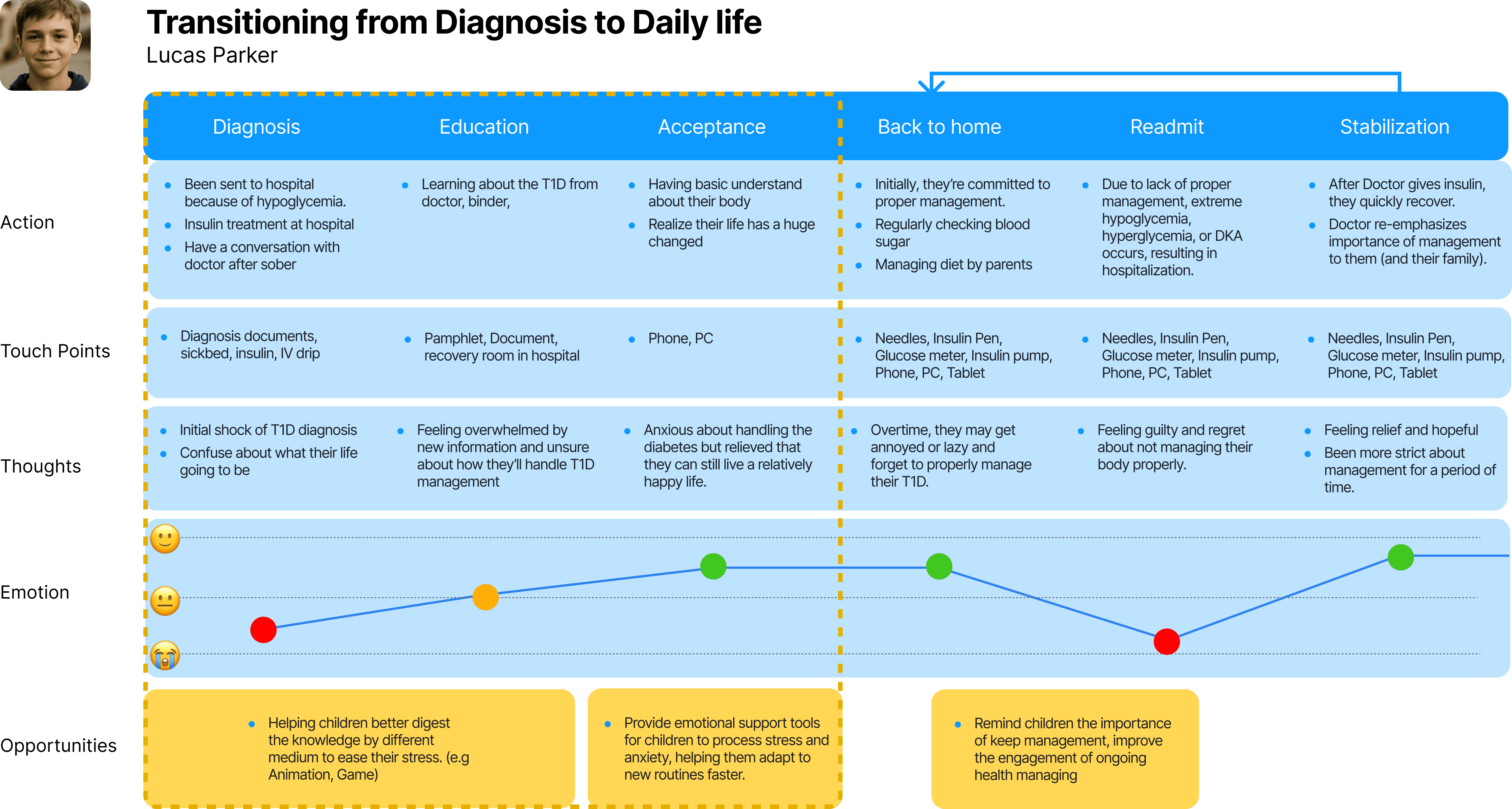
Problem Statements
"How might we help children take back control of their lives and instill dignity?"
"How might we help caregivers build positive parent-child relationships for ongoing T1D management?"
VR game as a topic for parent and children to play, discuss and learn together
The product’s mission is to increase engagement in Type 1 Diabetes (T1D) management during the critical period following a new diagnosis.
We designed an engaging odyssey that helps children learn essential knowledge and skills through play.
For parents, the experience creates an opportunity to stay actively involved and support their child as they navigate this challenging time together.

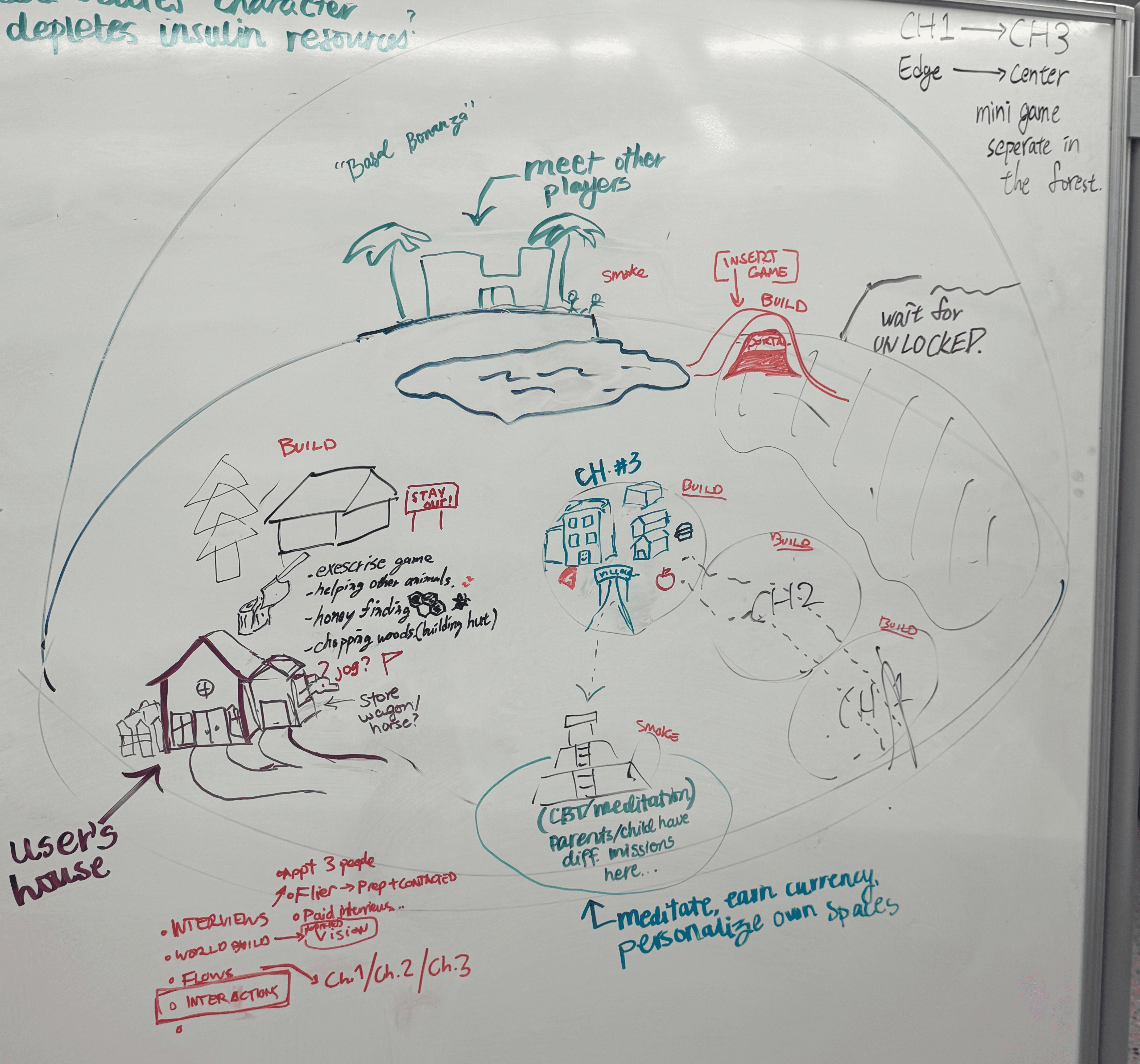
The early stage user journey and the world planning for Diatopia.
How do we balance between the fun metaphors and the educational purpose?
A major challenge in our world-building was the over-reliance on abstract metaphors, which failed to intuitively link concepts to T1D knowledge and required heavy narration.
To ensure children learn through play rather than passive listening, we redesigned the world into a personified body and organs.
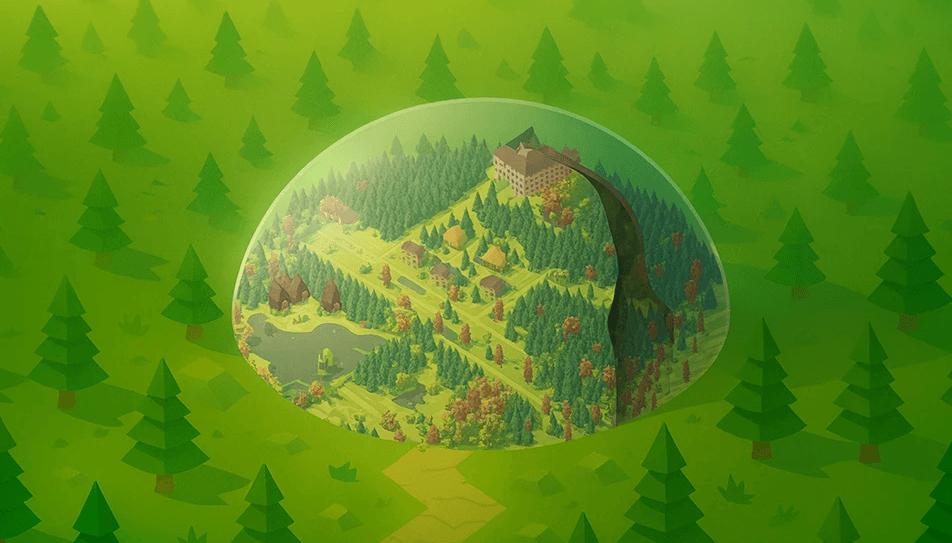
Diatopia Ver.01
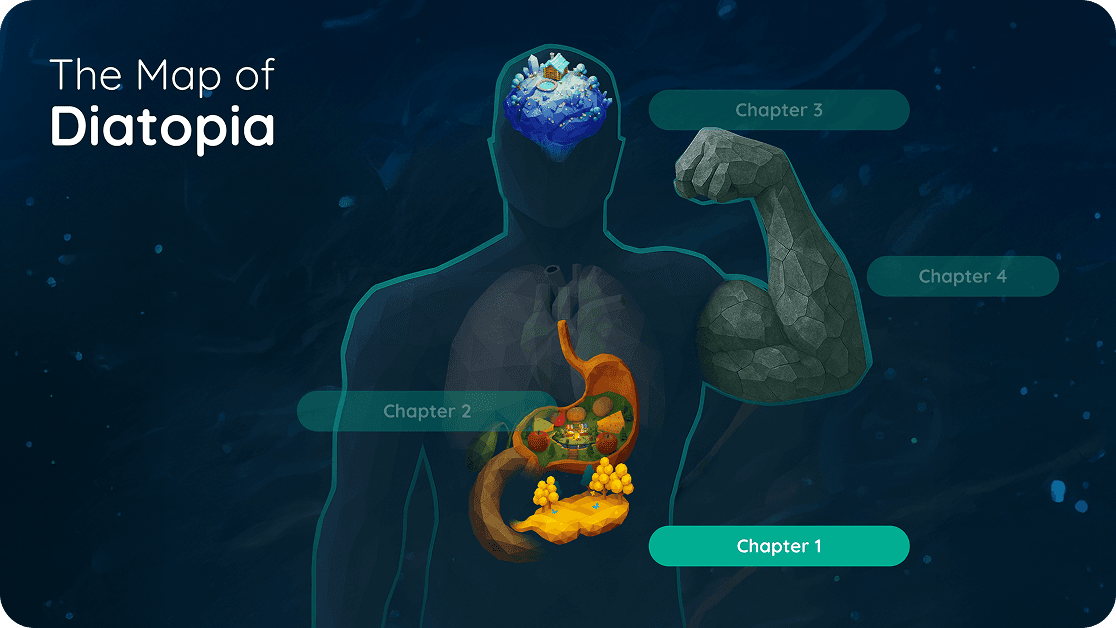
Diatopia Ver.02
Bring the fantasy into life by AI
Generative AI accelerated our design iteration, helping us quickly explore storytelling and visual engagement.
Below are examples of personified “Brain” and “Biceps” environments created using Gemini and Tripo.ai.
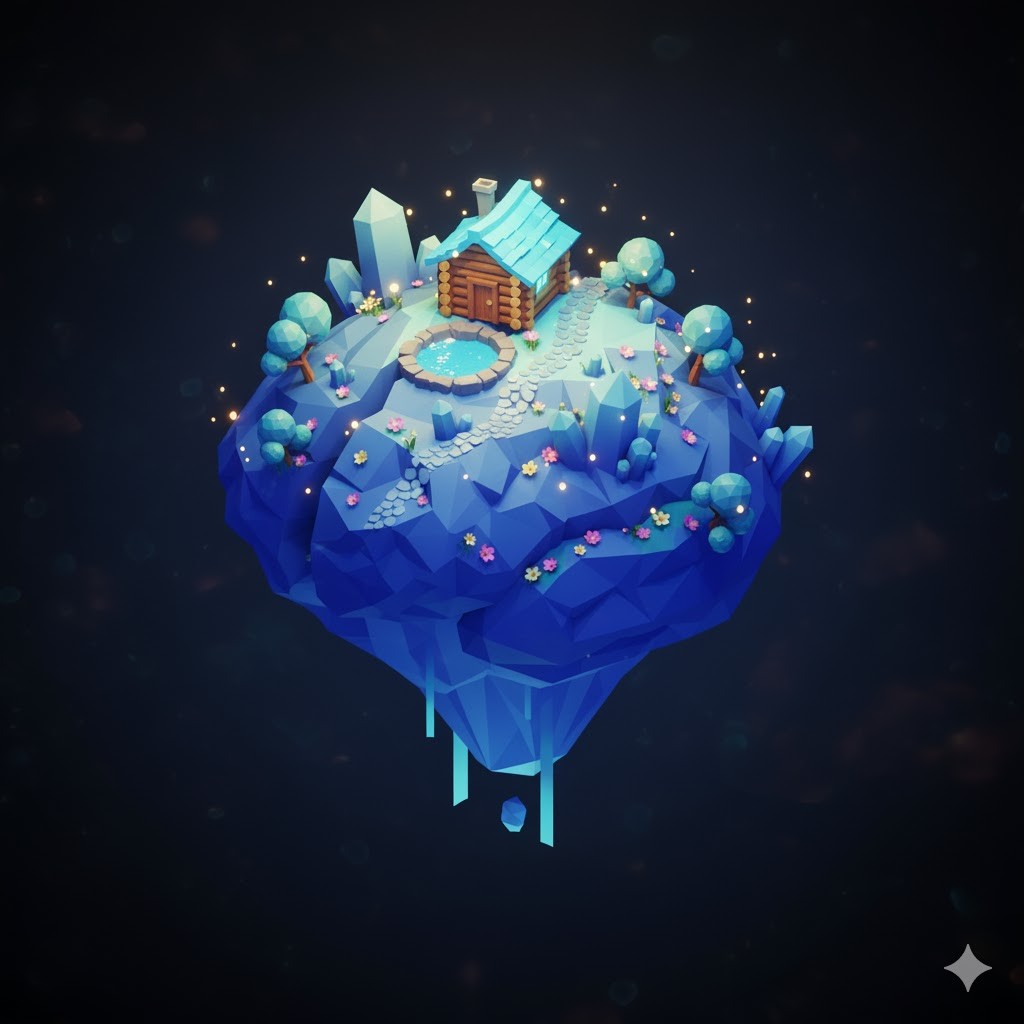
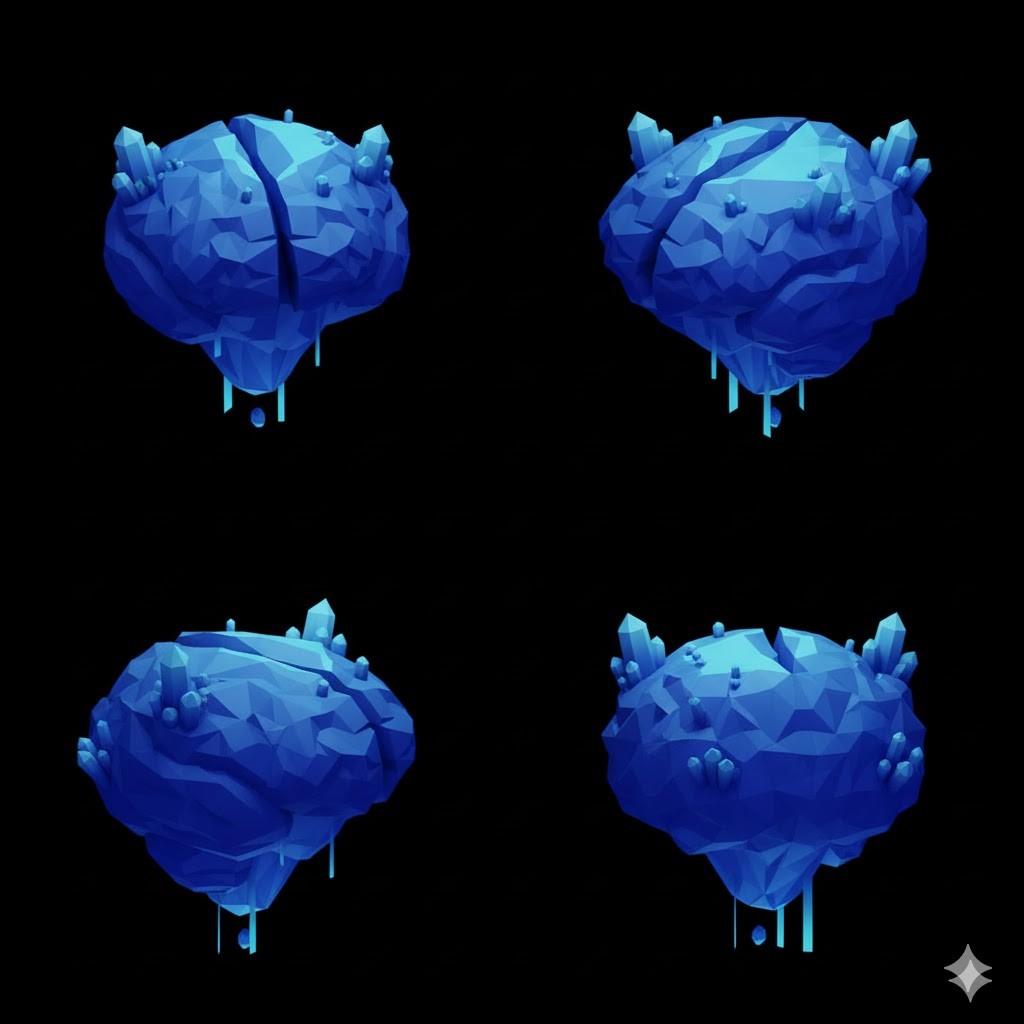
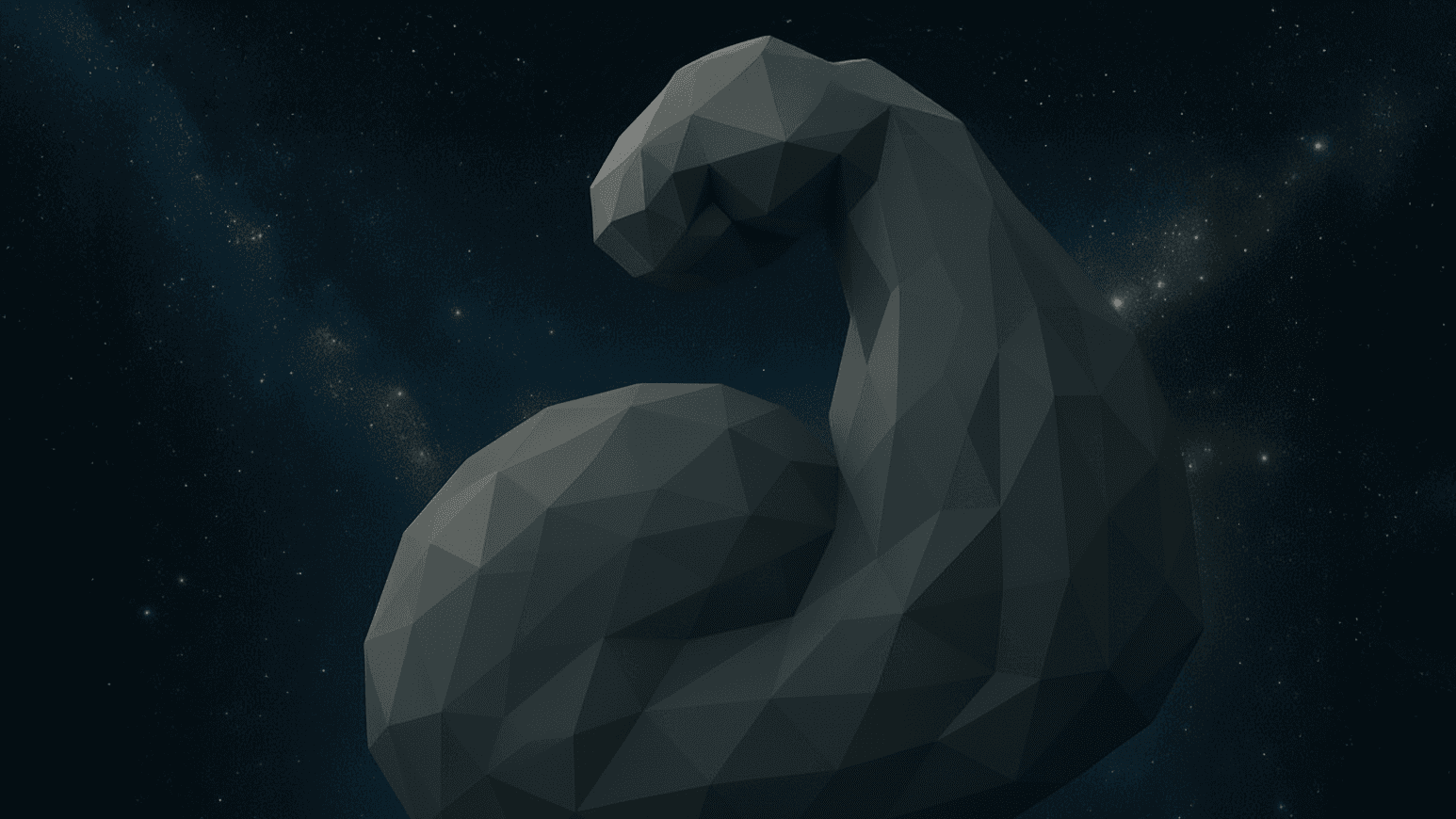
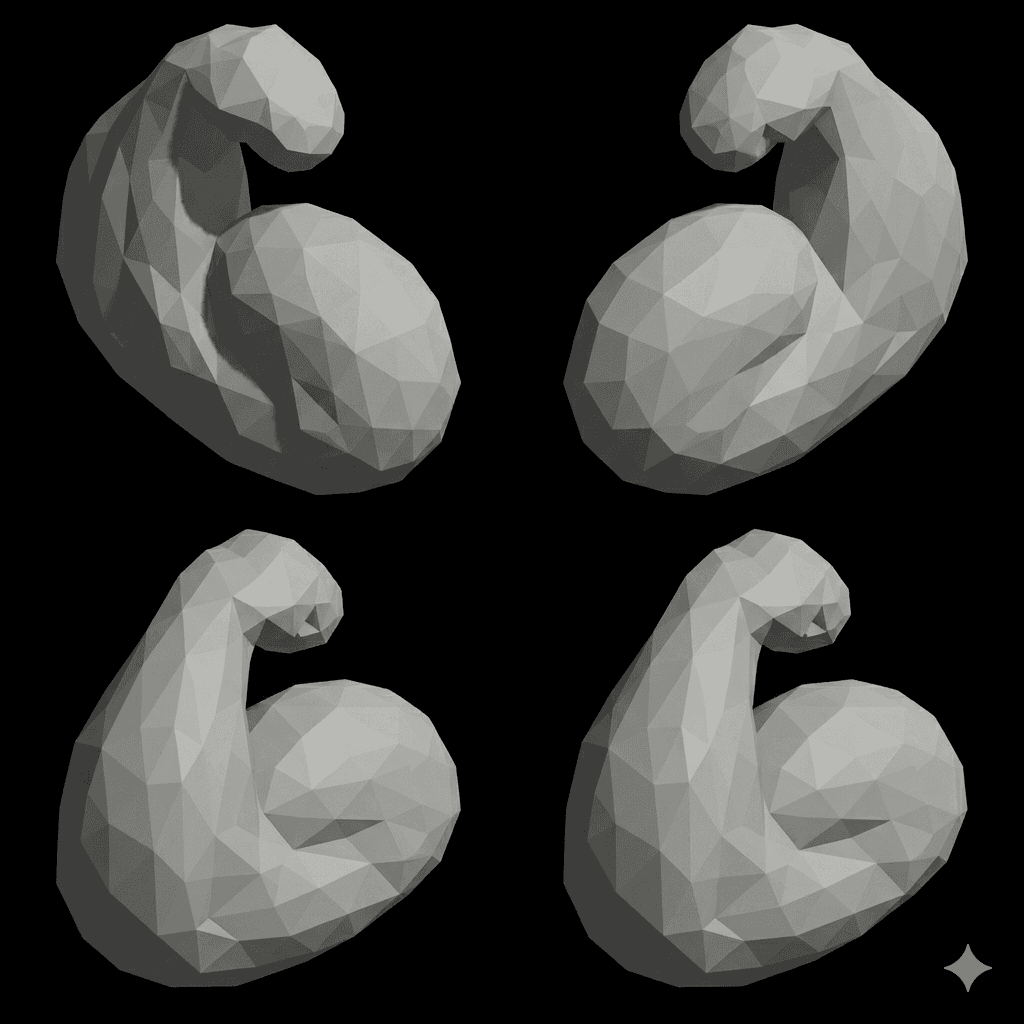
Decided 2D asset > Generate different views > 2D to 3D
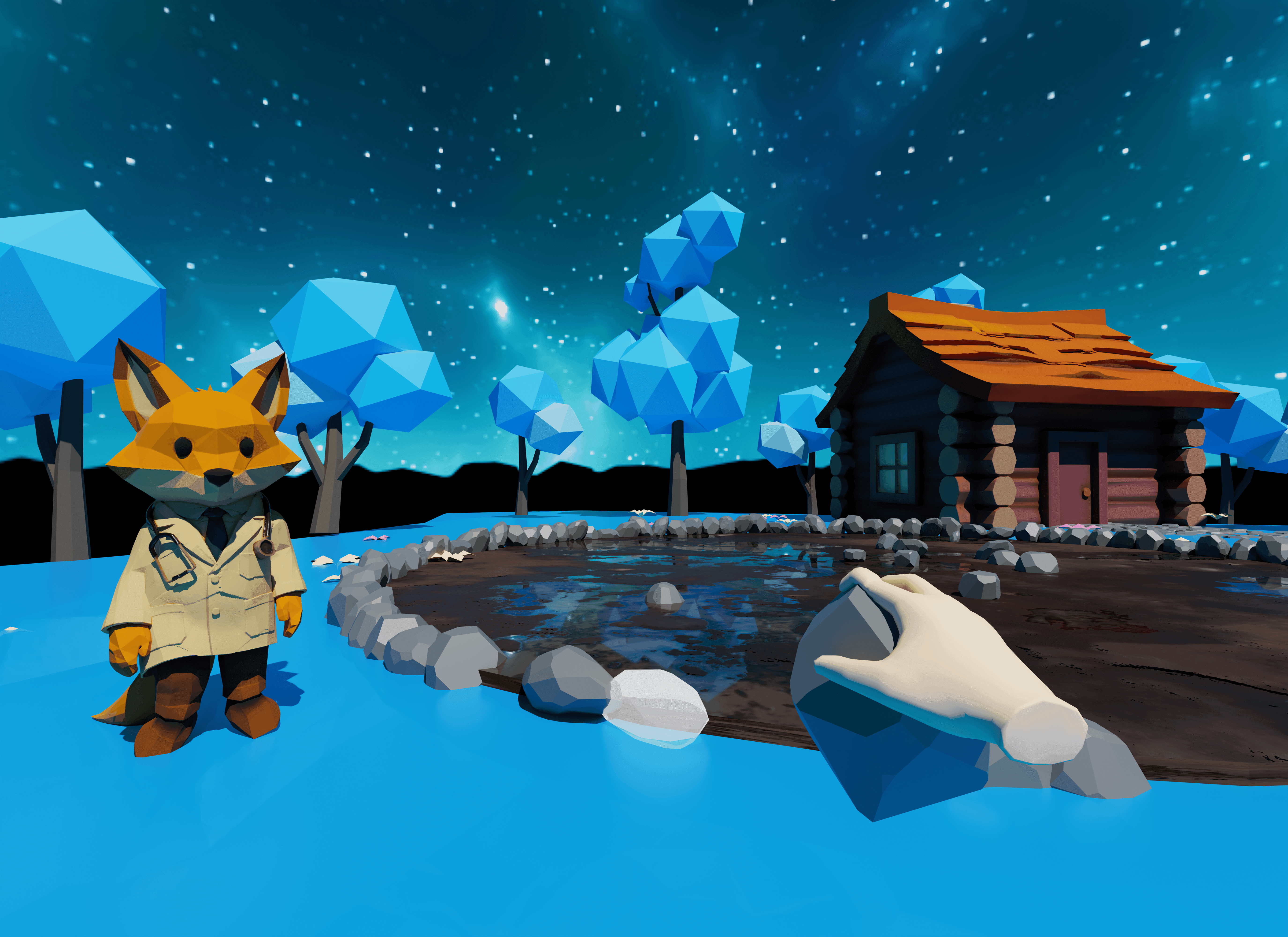
Experience mockup in Blender
In the iteration stage, we leveraged Blender to block out characters and objects, allowing us to visualize and iterate on the storyboard without the overhead of building a full VR game.
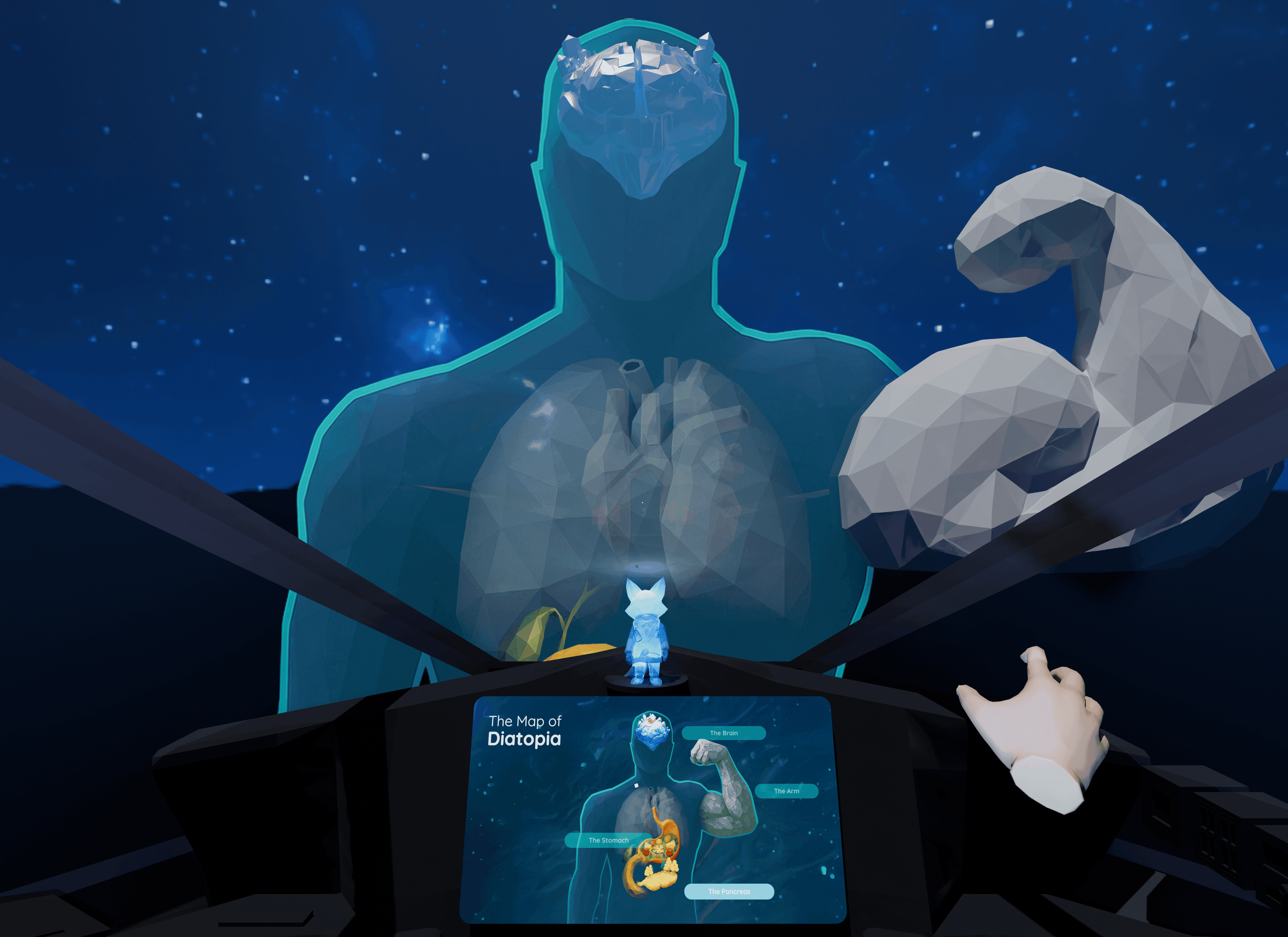
Explore the Diatopia with Dr.Fox
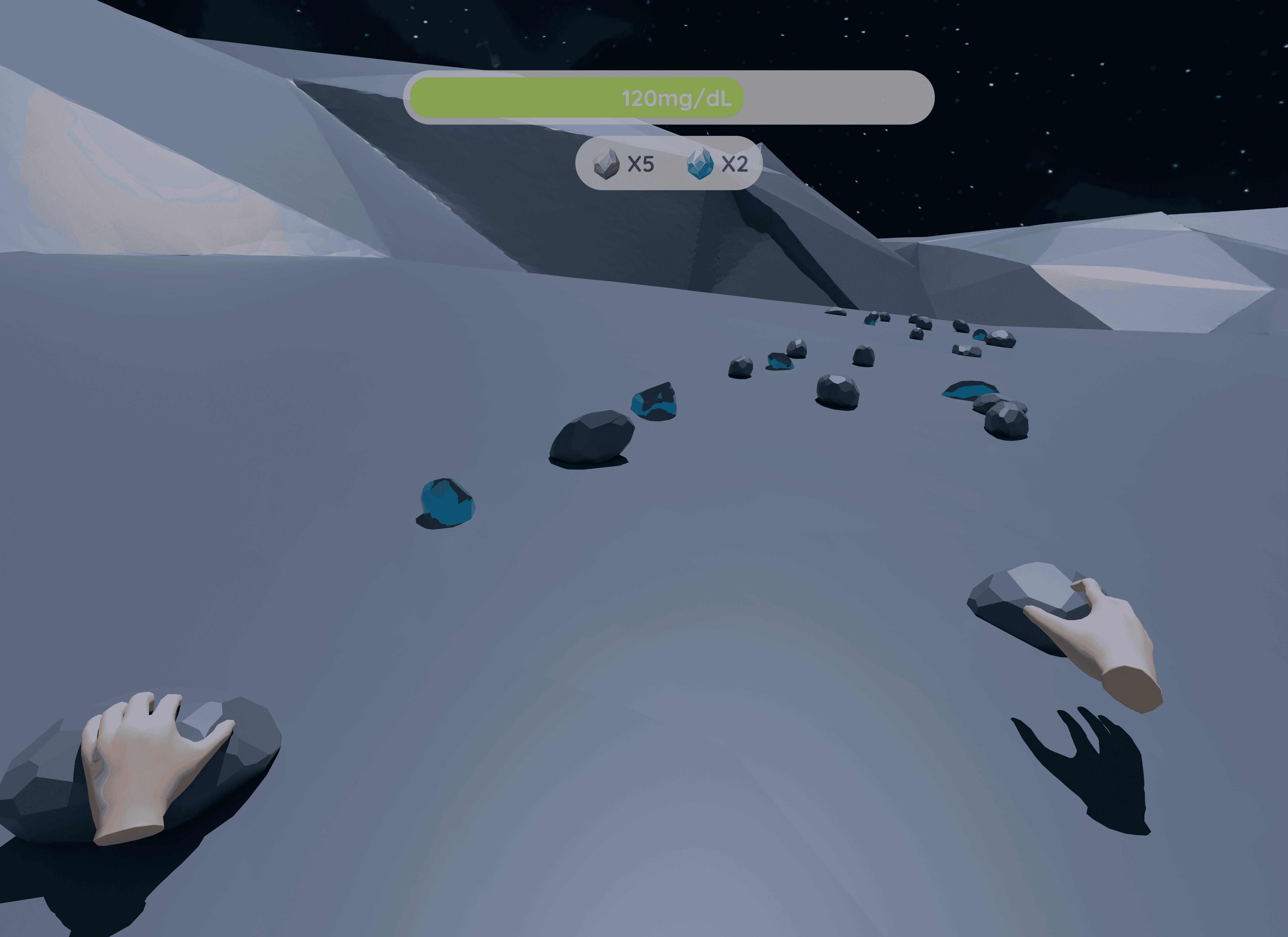
Learn about blood sugar management during exercise
Learn about stress management
Vibe coding for Unity Prototype
Bring the experience into life
To push the experience further, we used AI not only for generative asset creation but also as a development copilot.
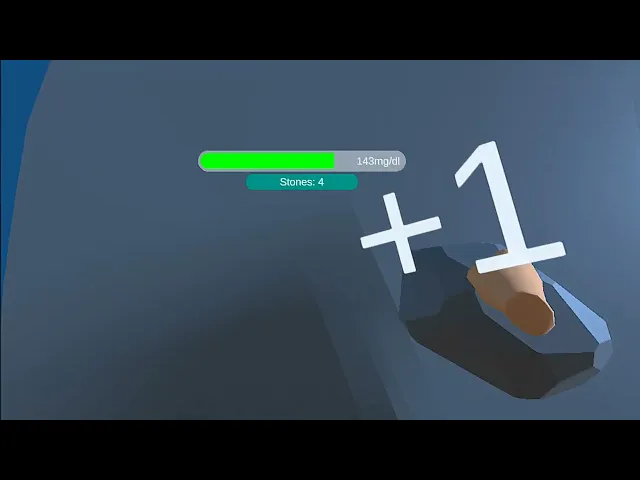
Below is an example of code generated with ChatGPT to simulate a blood sugar–dropping mechanism.
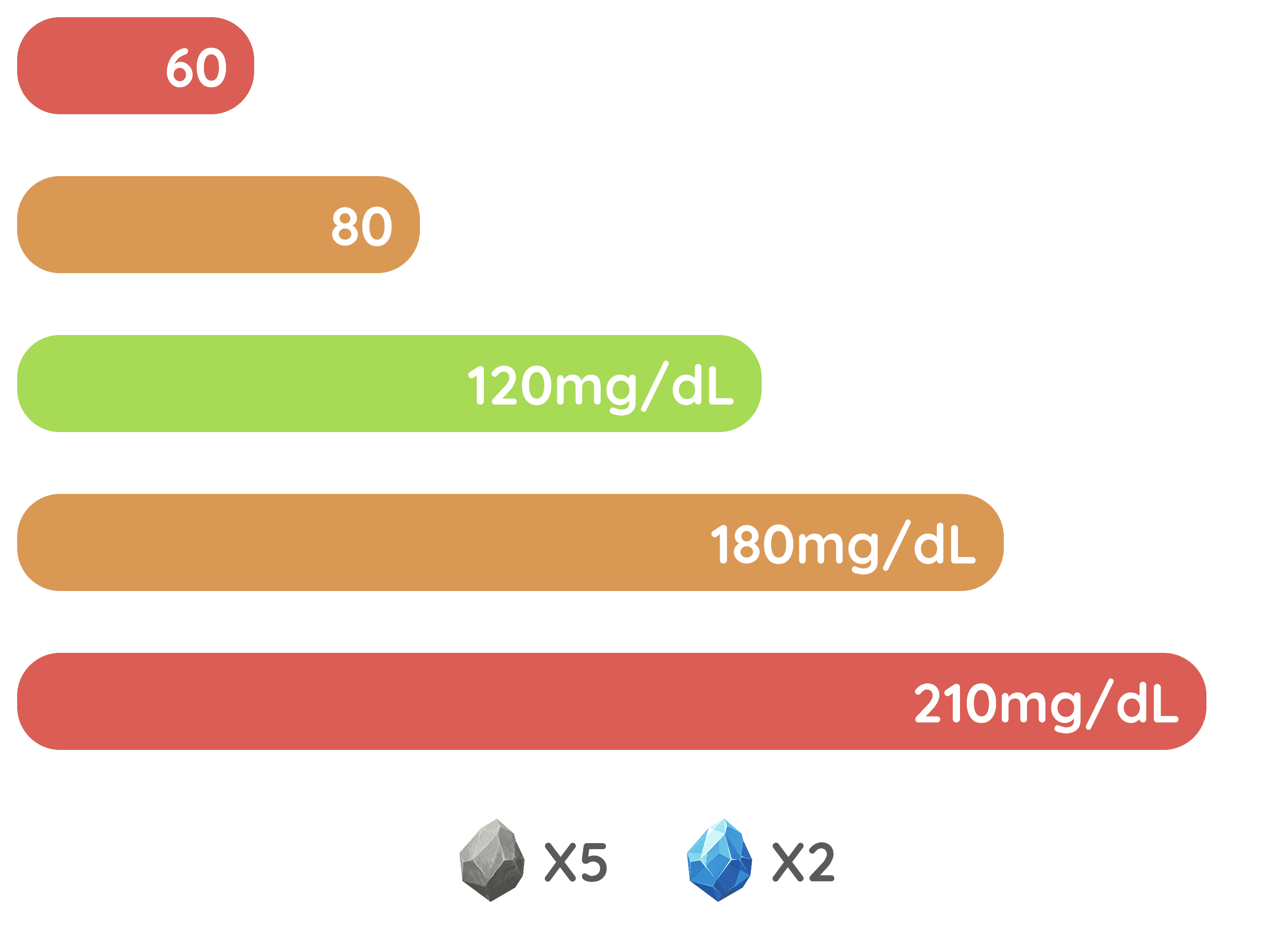
Design System in Chapter 4_ Complex function for blood sugar HUD
Usability Test for Medical Accuracy
We conducted usability testing with the CEO to ensure that the information and narratives we designed were accurate and not misleading for children, preventing potential misunderstandings or health-related risks caused by the VR experience.
VR Demo- Learn about blood sugar management during exercise
We delivered a production-ready demo to developers that intuitively visualized the experience through a fully built interactive prototype, going beyond static user flows and storyboards.